Designing a daily audio briefing you actually listen to
I drive about 10 minutes to get to work every day, and I've got my daily briefing pretty dialled in now. I figured I'd share some of the work it took to get it there.
For context, I run an AI-accelerated product studio, Input Logic. We're the product team for a number of non-technical, founder-led brands who care about their digital experiences but don't want to hire a whole in-house team.
I still push code every day on client products while running my 10 person studio. I have a lot on my plate, so I like my daily briefing to get me up to speed quickly, but in an entertaining way.
First attempt
My first pass at a daily briefing was literally just asking my personal agent (Claude) to DM me a briefing in Slack:
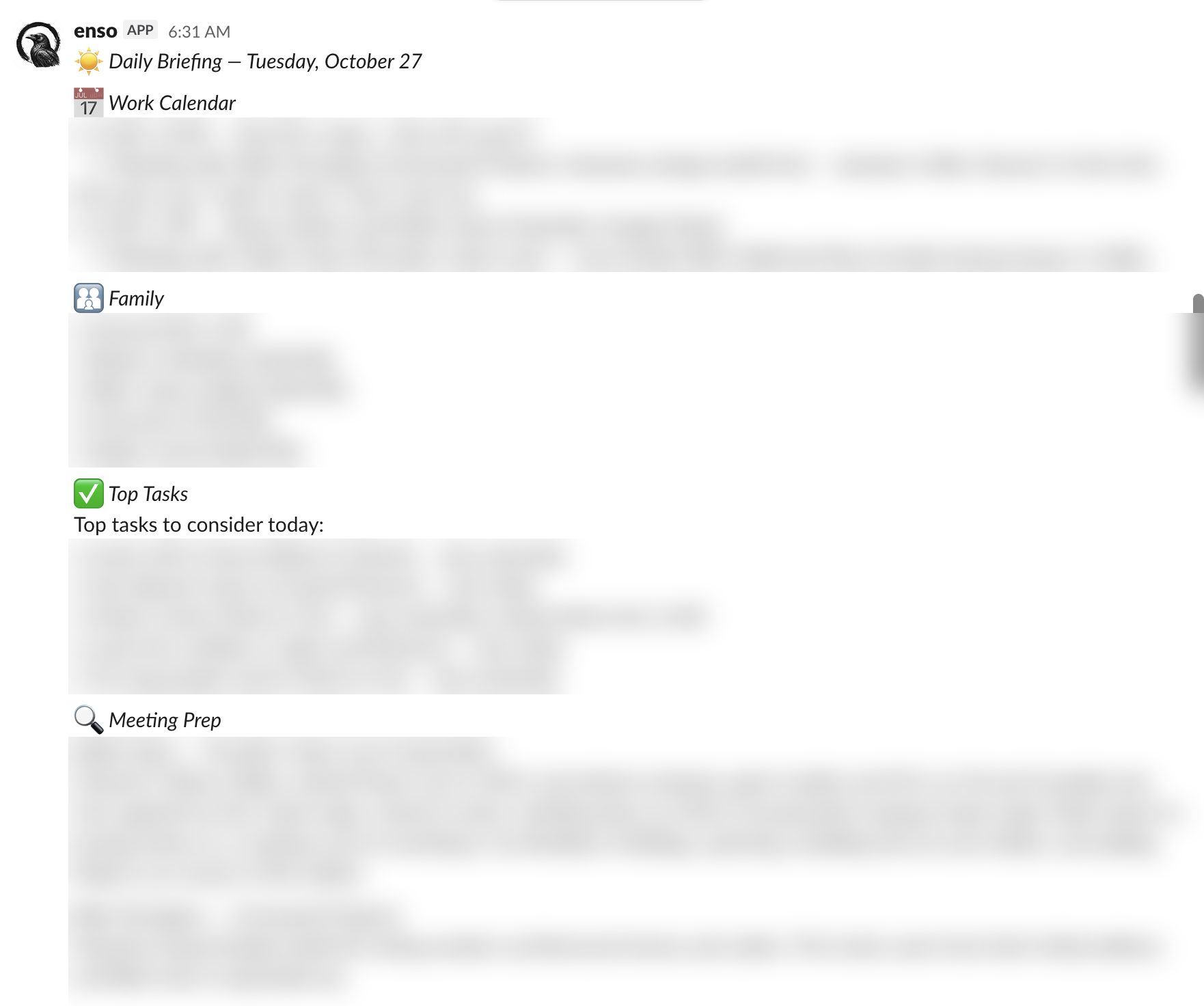
Key features:
- Grabs appointments from my work and family calendars via the Google API
- Grabs my tasks via the Todoist API
- Does a bit of research using the Firecrawl API on anyone I'm meeting with that day
This worked pretty well, but didn't have the entertainment value I was after, plus I couldn't read it on my drive to work, and didn't really want to read it in bed when I woke up (which is my only phone time during the morning rush).
Audio version
My pal Andrew Wilkinson shared that he had been using Gemini TTS to make an audio version of his daily briefing, so I tried that too. At first it was just OK, and I found it a bit cumbersome to listen to the episode in Slack, where my agent was DM'ing me.
A few things came out of this experiment though:
- The episode needed a bit of an opening jingle, otherwise it didn't feel like a radio program
- The Gemini TTS voice sounded too robotic, so I switched to ElevenLabs v3, and then v4
- I realized Slack DMs were not the best venue for receiving an audio episode
- I added the local weather so it felt more like a radio program
Adding email newsletters and social content
The episodes felt a bit dry without some standard radio-show content, so I asked my agent to extract bite-size stories from the email newsletters in my inbox that I hadn't read yet. This worked surprisingly well. So I added a connection to Twitter/X to grab some bite-size tweets as well to mix in.
Key learnings:
- Mixing some entertainment in, like news stories and weather, made it more engaging
- I experimented with using multiple voices in the episode, like a back and forth show, but didn't really like that
Podcast version
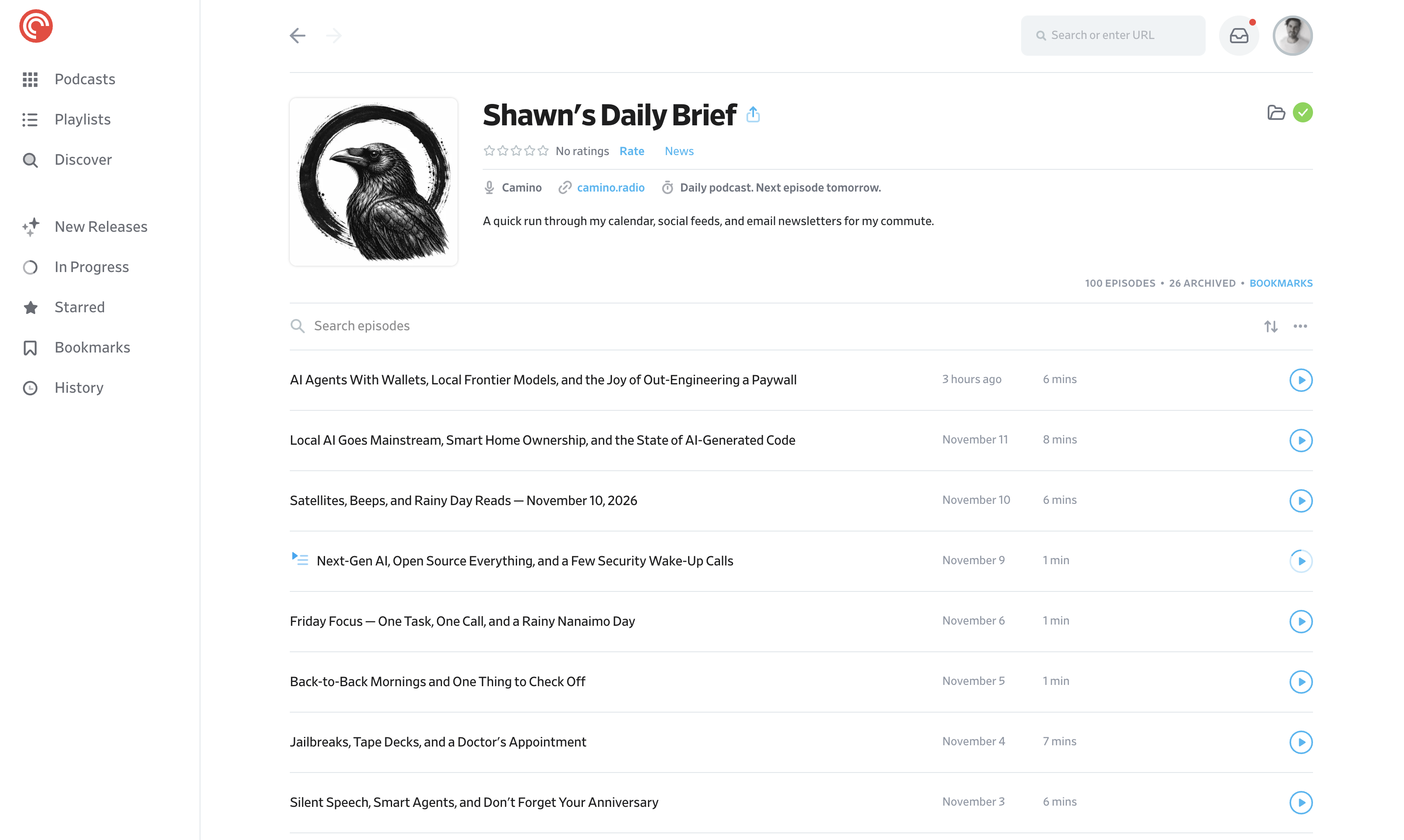
Since I listen to podcasts on my way to work, I thought it would be cool to get my audio version in Pocket Casts. Since a podcast is just an RSS feed, I came up with the idea of hosting an obfuscated URL for the RSS feed, which I could subscribe to in Pocket Casts. Since I needed the RSS feed to be online, I deployed a little web service on Vercel for it.
Launching it as Camino
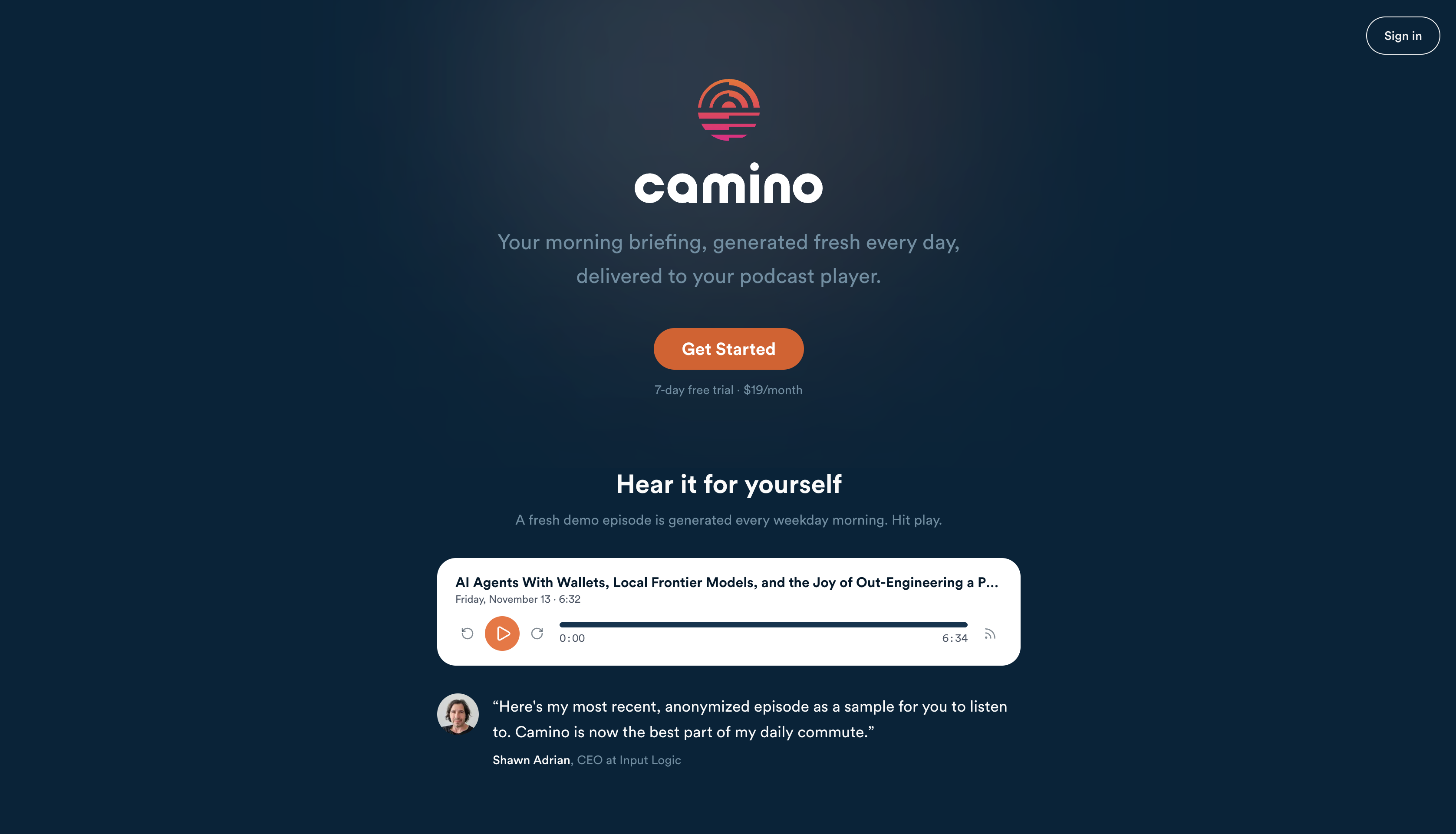
After I shared my private podcast with my designer pal Hank White, he said he wanted to make his own, which gave me the idea of expanding this to a web service that others could sign up to.
I remembered a client project from a few years back, called Camino, where the user could create a custom audio program for their commute. I figured this was close enough in scope that maybe the client, Geoff Pitfield, might be open to sharing some of the unused assets from that failed startup. He agreed, so I had a nice little brand jumping-off point to make a proper web site with.
Adding a podcast episode studio
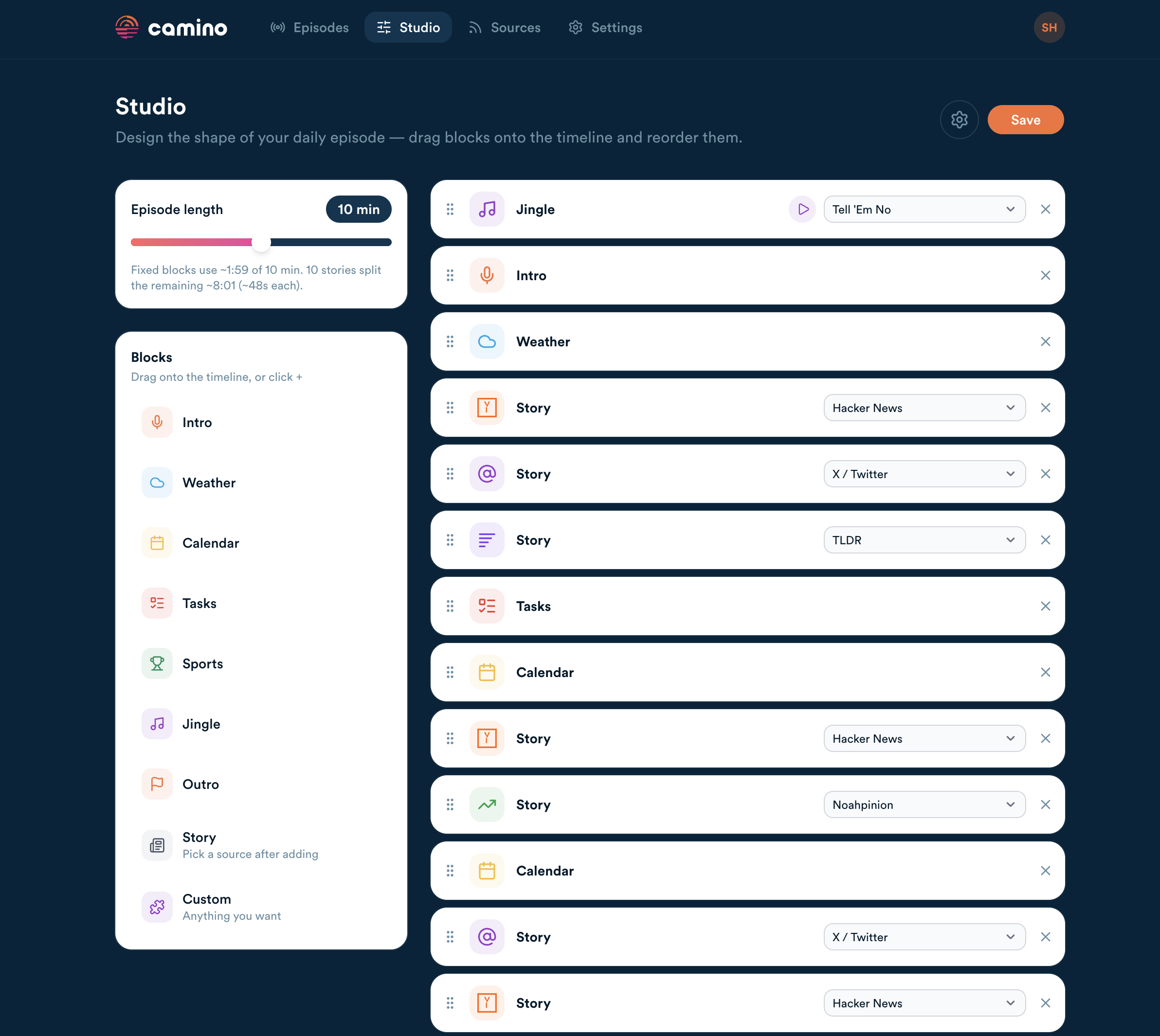
Since I figured everyone would want a different format for their daily briefing podcast, I designed a "podcast studio" on the new Camino web site. It makes it easier to choose a jingle, add blocks of different kinds, and select which story sources appear when.
In closing
I listen to my custom podcast episode basically every day now, on my drive to work. It is my favourite thing I've used AI to build, and it's robust enough that I believe I've moved beyond the vibe coded stage into a production-ready product.
What do you think?